

Manage WordPress from Your AI App
Connect ChatGPT, Claude, Codex, Grok or another compatible MCP client to WordPress. Use your own AI service; Site Manager provides the tools, permissions and audit trail. No model API key is required by this plugin.
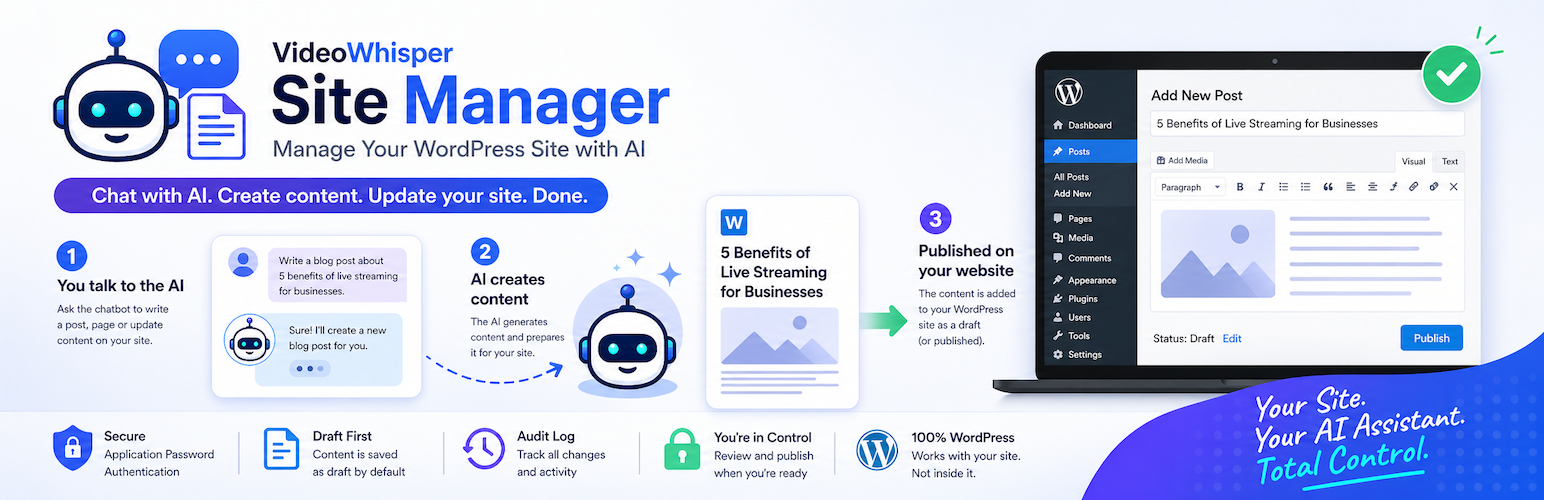
Free: a complete WordPress connection
- MCP endpoint, REST API and OpenAPI/GPT Actions.
- Local browser OAuth without a relay subscription, native WordPress Application Passwords, or the optional shared relay.
- Individual tool consent with versioned permissions and quick Read Only / Safe Drafts profiles. Safe Drafts permits approved draft work and blocks direct public changes.
- Posts, pages and explicitly enabled public custom post types; public taxonomies, revision review, saved-content previews and recoverable Trash.
- Audit receipts and logs, conflict checks for guarded edits, site context and private per-user agent context.
- Optional native WordPress Abilities: an explicitly reviewed subset of seven read and four draft-write tools. Core abilities work without MCP Adapter; optional Adapter exposure requires a separate review and native authentication.
- A frontend connection page with copyable MCP URLs, expandable app instructions, section links and the account’s available tools and reviewed abilities.
Publishing is controlled by site settings, native WordPress capabilities and the connection’s permissions. Direct publishing is not a Pro-only feature. Review drafts in WordPress before publishing when using Safe Drafts.
Pro: deeper site and operator workflows
- Menus, comments, site identity, permitted metadata and richer plugin integrations.
- Attachment uploads and media management; Markdown rendering and progressive shared/private context workspaces with handoff notes.
- Optional compatibility with Agentic Optimization Pro content fields and supported page-builder details.
- Optional administrator-reviewed Live Support Tickets CRM download management: list, retrieve, add and update records, including verified files.
- Connected VideoWhisper Updater workflows: refresh and review entitled updates, prepare an exact plugin ZIP, then apply its reviewed SHA256 using a short-lived one-use token.
Distribution tools start off and require a native administrator review of individual tools and exact package slugs. Existing administrator access does not silently enable them. Safe Drafts excludes them. CRM and updater dependencies are optional; current integration requires CRM 1.12.11+ and Updater 1.1.0+.
New CRM downloads start disabled. Updates preserve omitted access rules and metadata. Plugin/theme ZIP identity and hashes are checked; package code still needs review. The reviewed installer updates existing plugins, preserves activation and uses WordPress’s update/backup flow; it is not a fleet rollout or guaranteed rollback service.
Server: one OAuth relay for multiple managed sites
Site Manager Server is the separate self-hosted authorization and relay plugin for agencies and operators. Each connected site retains its own enabled tools and permissions. Server can also provide the optional local distribution module when Free and the relevant dependencies are installed on that host. A remote site needs its own Pro or Server companion to supply those tools.
Managing several sites through a relay is distinct from a WordPress Multisite network. Free local OAuth does not require this separate server.
Understand a missing tool before changing access
Free 1.6.3 adds Connection doctor guidance for degraded relay discovery. Call list_connected_sites to inspect each accessible site’s discovery status. An unknown catalog is not proof a tool was removed or a site disconnected. Refresh the client’s tool list once after the reported delay when retryable is true; keep a previous catalog on errors. Existing chats may need Refresh tools or a new conversation. Permissions and Safe Drafts stay unchanged.
Connect only the app you use
Install Free, open Onboarding, choose an authentication route and begin with Read Only or Safe Drafts. Copy the MCP URL from your connection page, complete browser sign-in and review access. Eligible ChatGPT accounts can install a custom MCP plugin; GPT Actions are an alternative. Claude and Codex use their supported remote MCP setup.
Grok.com custom connectors use their own setup screen. Grok Bot Connect apps is separate; custom MCP availability varies by product/account. Follow the current provider guide and test a read before allowing writes.
AI/SI assistants (artificial intelligence / super intelligence) use the same permission and review controls.
Requires WordPress 6.9+ and PHP 8.2+. Prefer a currently maintained newer PHP hosting branch.